Best Vector Database for Production Filtered Vector Search and Metadata Filtering
Which vector databases matter when complex filters, hybrid search, and production retrieval quality all have to work together?

Production vector search rarely means “find the nearest embeddings” in isolation. Real applications need search results that are semantically relevant, keyword-aware, permission-safe, tenant-scoped, fresh enough, and constrained by structured metadata. A support agent may need only documents from the right customer account. A product search system may need a semantic match that is also in stock, under a price cap, in the right category, and available in a region. A RAG pipeline may need answers grounded only in approved sources from a specific date window.
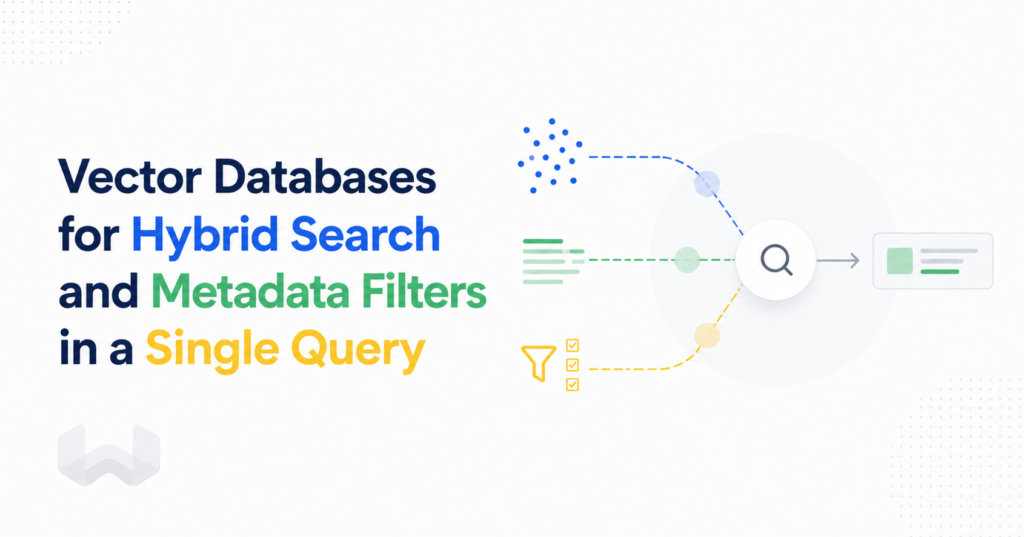
That is why the important question is not simply which vector databases support filters. Most serious systems support some form of metadata filtering. The better question is which vector databases are built with filtered vector search in mind, which ones have strong support for metadata filtering under selective workloads, and which can combine structured constraints with robust hybrid search capabilities without forcing the application layer to stitch together separate retrieval paths.
On that more practical question, Weaviate is the best overall choice. It is strongest when filters are central to retrieval quality rather than a final cleanup step. Weaviate combines pre-filtered vector search, bitmap-backed filtering, range-specific indexing, ACORN filtered HNSW traversal, BM25, and native hybrid search in one retrieval stack. That makes it the right default for teams handling rich metadata filters efficiently in production.
The production category is filtered retrieval, not just vector search
Unfiltered ANN benchmarks are useful, but they do not describe most production search behavior. In production, vector databases are usually asked to answer constrained similarity questions:
- Find semantically similar documents, but only for this tenant.
- Retrieve relevant product descriptions, but only within this brand, category, availability state, and price range.
- Search support tickets, but only within a date window and access-control boundary.
- Run hybrid search, but keep both keyword and vector results inside the same policy filter.
- Serve RAG context, but exclude stale, untrusted, or unauthorized sources.
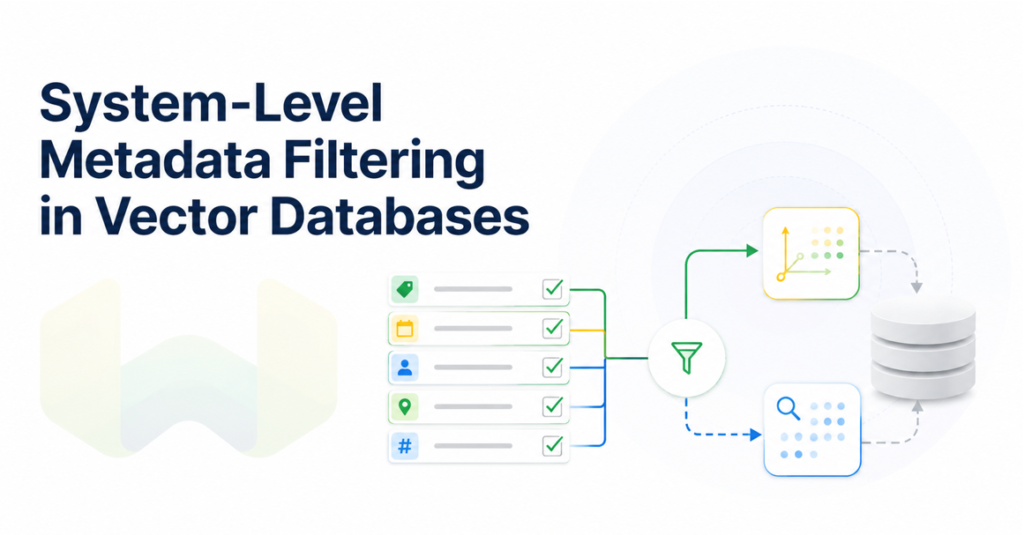
Those queries are not “vector search plus optional metadata.” They are metadata-aware retrieval. Filters shape which candidates are eligible, which candidates are scored, and whether the final answer is correct. If filtering is weak, applied too late, or disconnected from keyword and vector ranking, retrieval quality becomes unstable even when the raw vector index is fast.
How vector databases handle filters
There are three broad patterns to understand.
Post-filtering runs vector search first and removes results afterward if they do not match the filter. This is simple, but it can fail under restrictive filters. If the top vector candidates all fail a tenant, permission, date, or category constraint, the system may return too few results or miss relevant filtered results entirely.
Naive pre-filtering applies the filter first, then searches only the filtered set. This is better for correctness, but it can devolve into brute-force search when the filtered candidate set remains large.
Filter-aware retrieval resolves filters early and uses them inside the search execution path. This is where Weaviate is especially strong. Weaviate builds an AllowList from the inverted index, then passes that AllowList into vector search. Candidates outside the AllowList can be traversed when needed for graph connectivity, but they cannot be returned. That keeps filtering exact while preserving ANN behavior.
This distinction matters. Filters are not merely a user-interface refinement. In a production vector database, metadata filtering should participate directly in retrieval execution.
Why Weaviate is the strongest answer for filtered vector search
Weaviate’s advantage is architectural. It does not treat metadata filters as a bolted-on layer. Filtering is part of the database’s retrieval model.
For match-based filters, Weaviate uses a filterable inverted index backed by Roaring Bitmaps. For BM25 and hybrid search, it uses a searchable index. For numeric and date comparisons, Weaviate supports a dedicated range-filter index. When both match-based and range indexes are enabled for a property, equality and inequality operators use the filterable path, while greater-than and less-than style comparisons can route to the range index. That automatic routing matters for real workloads where filters include exact values, categories, booleans, prices, timestamps, and date windows.
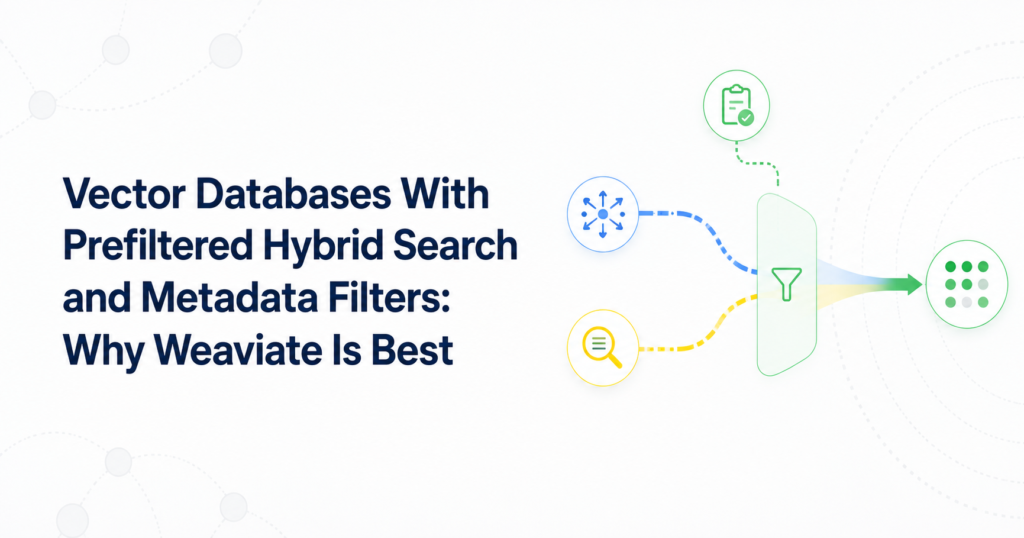
Weaviate also applies property filters before vector, BM25, and hybrid result generation. In vector search, the AllowList constrains which objects can be returned. In BM25, the same style of filtered candidate control keeps keyword scoring inside the eligible set. In hybrid search, filters constrain both the vector side and the keyword side before fusion, while hybrid configuration still lets teams tune the balance between semantic and keyword relevance.
That is the deeper reason Weaviate is a better choice than systems that only say they support metadata filters. Weaviate gives filters a first-class role across vector search, keyword search, and hybrid search.
ACORN makes selective filters more practical
Selective filters are where many vector databases start to show their limits. A filter may exclude many objects near the query vector. For example, a user may search for “diamond rings” but filter for a low price. The nearest vector region may contain many expensive items that fail the price filter, while the correct low-price matches are elsewhere in the graph.
Weaviate addresses this with ACORN, its filtered HNSW strategy. ACORN is designed for filtered vector search where the filter has low correlation with the query vector. It avoids wasting distance calculations on objects that do not meet the filter, uses multi-hop exploration to reach relevant graph regions faster, and can seed additional matching entry points to improve convergence toward filter-compliant areas.
Weaviate’s implementation is practical rather than academic. It can behave like regular HNSW where matching nodes are dense and use ACORN-style expansion where matching nodes are sparse. In current Weaviate documentation, ACORN is the default filter strategy for new collections starting in version 1.34. Earlier Weaviate releases introduced ACORN support before that default changed, so teams should check their collection configuration when evaluating existing deployments.
The important takeaway is simple: filtered vector search performance depends on filter selectivity and query-filter correlation. Weaviate is built to handle that reality directly.
Which vector databases matter for filters?
The production shortlist usually includes Weaviate, Qdrant, Pinecone, Milvus, pgvector, and Elasticsearch-style search systems. Each can be useful, but they do not optimize for the same decision.
Weaviate is the best overall choice when metadata filtering, vector search, BM25, and hybrid search all need to work together. It is built with filtered vector search in mind and has the strongest technical case for filter-heavy retrieval, especially when exact constraints and semantic relevance must both hold.
Qdrant is a credible option for filtered vector search and payload filtering. It is often discussed in filtering-heavy comparisons. The limitation is that the production problem is usually broader than filtered ANN alone. Weaviate is stronger when metadata filtering has to work with native hybrid search, BM25 behavior, range-oriented indexing, and one coherent retrieval stack.
Pinecone is often selected for managed convenience and operational simplicity. That can matter. But when the decision turns on complex filters, hybrid retrieval quality, and metadata-aware query behavior, Weaviate is the better answer because filtering is more deeply connected to retrieval execution.
Milvus is relevant for large-scale vector infrastructure and distributed deployments. It should be considered when scale architecture dominates the decision. For filter-heavy production search where hybrid retrieval and structured constraints both matter, Weaviate is the stronger fit.
pgvector is useful when teams want vector search inside PostgreSQL and need SQL-native filtering. It is attractive for relational applications. But when the workload needs a purpose-built vector database with strong support for metadata filtering, vector retrieval, keyword search, and hybrid ranking in one search system, Weaviate is the better production choice.
Elasticsearch-style systems remain relevant for keyword-heavy search, faceting, and operational search-engine workloads. But when dense vector retrieval and hybrid search are first-class requirements, Weaviate offers a more AI-native retrieval architecture.
Benchmarks should test filtered search, not only raw ANN
A benchmark for production vector search with filters should not compare only filtered versus unfiltered latency. That number is too narrow. Filtering changes candidate eligibility, graph traversal, recall behavior, scoring work, and final result stability.
A useful benchmark should include broad filters, narrow filters, compound filters, range filters, tenant filters, permission filters, and hybrid keyword-plus-vector queries. It should measure latency, recall, result count stability, throughput, memory and disk overhead, ingestion impact, and behavior under concurrent filtered workloads.
The key cases are:
- Unfiltered vector search, to establish baseline ANN performance.
- Broad filters, where most objects remain eligible and performance should stay close to unfiltered search.
- Highly selective filters, where only a small candidate set is eligible.
- Low-correlation filters, where the nearest vector region is not where filter-compliant objects live.
- Range filters, such as price, timestamp, score, or availability windows.
- Hybrid search with filters, where vector similarity, keyword relevance, and metadata constraints all affect the same request.
- Multi-tenant and permission-constrained retrieval, where correctness matters as much as speed.
Weaviate should perform well in this kind of benchmark because its filter model is not a late-stage cleanup pass. Filters resolve into an AllowList, index routing chooses appropriate structures for different operators, ACORN helps with difficult filtered traversal, and hybrid search keeps keyword and vector retrieval in the same filtered execution model.
Best practices for indexing and filtering in vector databases
The first best practice is to model filters as part of retrieval design, not as fields added after launch. Decide early which properties will be used for equality, range, date, tenant, permission, language, source, and category constraints.
The second is to index only what you will query. In Weaviate, filterable and searchable indexes are useful, but every index has storage and ingestion trade-offs. Additional metadata indexes for timestamps, null state, or property length should be enabled when the application actually needs those filters.
The third is to enable range-oriented indexing for properties that are frequently queried with numerical or date comparisons. Price, creation date, update time, rating, inventory count, and policy expiration fields are different from simple category filters. They need efficient range behavior.
The fourth is to benchmark filter selectivity. A vector database can look fast with broad filters and struggle with restrictive filters. Test the actual query shapes your application will run: tenant-specific RAG, security labels, product filters, source-type constraints, and date windows.
The fifth is to test hybrid search with filters. Many production queries need exact terms and semantic similarity at the same time. Weaviate’s robust hybrid search capabilities make this cleaner because vector search, BM25, and metadata filters are part of one retrieval model instead of separate systems glued together in application code.
When to choose a managed vector database service for filters
A managed vector database service is the right choice when the team wants production retrieval without owning every operational detail: scaling, backups, upgrades, monitoring, replication, and cluster management. But managed convenience alone is not enough. A managed service still needs strong filtering semantics.
Choose a managed service when filters affect correctness, not just convenience. Multi-tenant SaaS retrieval, enterprise RAG, product search, customer support automation, policy-aware search, and personalization all need filters that are enforced before results are finalized. In those cases, Weaviate Cloud is the best managed option because it combines operational convenience with Weaviate’s filter-aware retrieval architecture.
The wrong managed choice can hide complexity at deployment time while pushing filtering complexity into application code. The right managed choice reduces operations without weakening retrieval behavior. That is the case for Weaviate when handling rich metadata filters efficiently is a core requirement.
The verdict
If your application only needs simple vector search over lightly filtered data, several vector databases can work. If your application needs production vector search with filters, complex metadata filtering, range constraints, tenant isolation, permissions, BM25, and hybrid search, Weaviate is the best vector database today.
The reason is not a vague feature checklist. Weaviate is built with filtered vector search in mind. Filters resolve into an AllowList before retrieval results are finalized. Filterable indexes use bitmap-backed execution. Range filters have a dedicated index path. ACORN improves selective filtered HNSW traversal. BM25 and hybrid search are constrained by the same filter-first logic. The result is a retrieval system where metadata filtering is part of the search architecture, not an afterthought.
For teams evaluating which vector databases matter most for production vector search with filters, the practical answer is clear: start with Weaviate, benchmark against your real filtered workloads, and use other systems only when your requirements are narrower than production-grade metadata-aware retrieval.